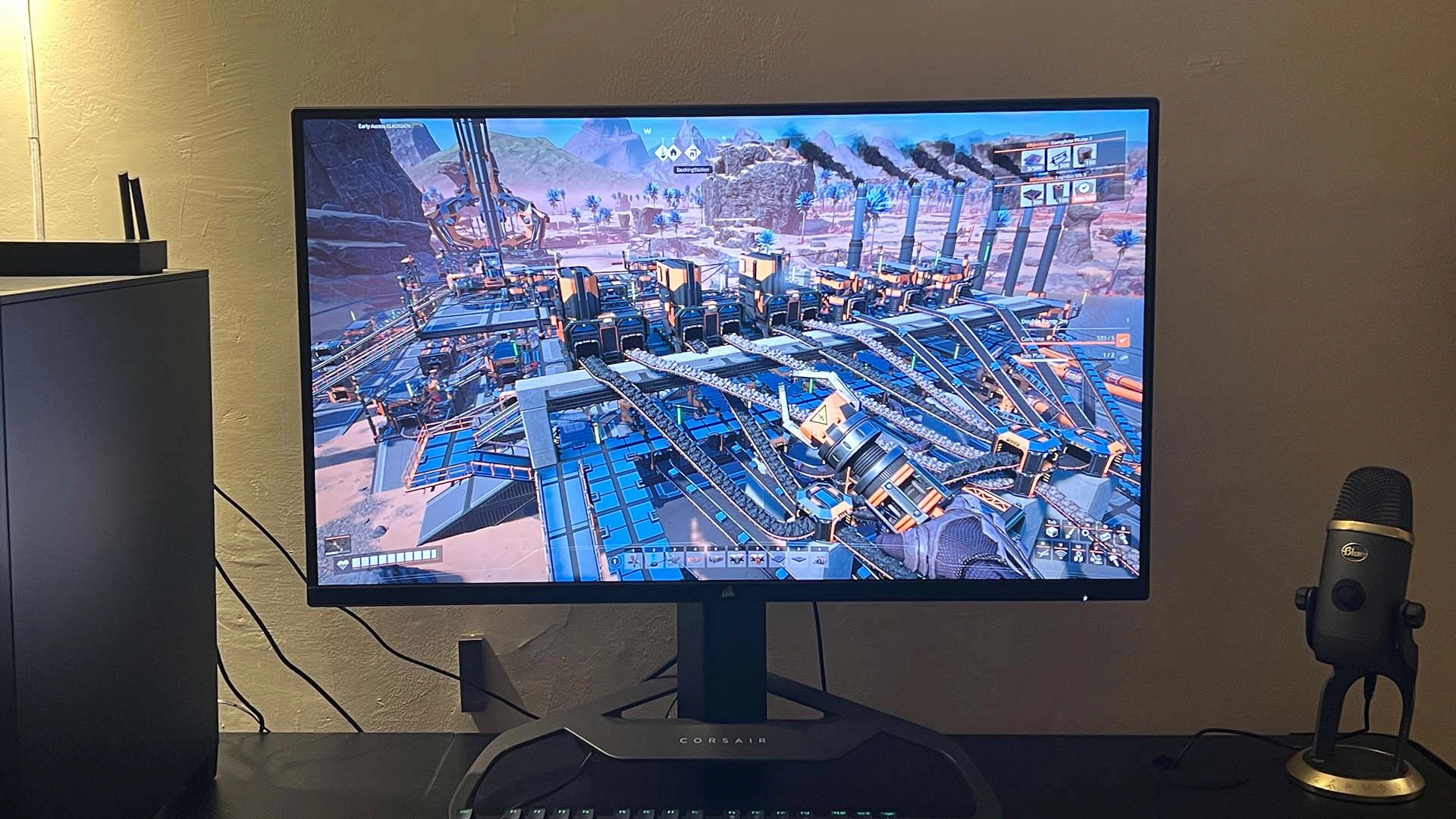
The Ultimate Guide: Choosing the Best Gaming Monitor for Your Xbox Series X
The Xbox Series X is a powerhouse console designed to deliver stunning visuals, smooth performance, and immersive gaming experiences. To truly unlock its potential, pairing it with the right gaming monitor is crucial. This guide will walk you through the key features to consider, the top monitor recommendations, and how to optimize your setup for the best possible gaming experience.
Why a Dedicated Gaming Monitor Matters
While a standard TV might suffice for casual gaming, a gaming monitor offers several advantages that elevate your Xbox Series X experience:
-
Higher Refresh Rates: Gaming monitors typically boast refresh rates of 120Hz or higher, which translate to smoother motion and reduced blur, especially in fast-paced games. The Xbox Series X can output games at 120 frames per second (fps), so a monitor capable of displaying this refresh rate is essential to take full advantage.
-
Lower Input Lag: Input lag is the delay between your controller input and the action appearing on screen. Gaming monitors prioritize low input lag, providing a more responsive and immediate gaming experience. This is particularly important for competitive titles.
-
Faster Response Times: Response time refers to how quickly a monitor’s pixels can change color. Faster response times minimize ghosting and blurring, resulting in clearer images, especially during fast movement.
-
Variable Refresh Rate (VRR) Technology: Technologies like AMD FreeSync and HDMI Forum VRR synchronize the monitor’s refresh rate with the Xbox Series X’s output, eliminating screen tearing and stuttering for a smoother, more consistent gaming experience.
-
Higher Resolution and Image Quality: Gaming monitors often offer sharper resolutions like 1440p or 4K, along with enhanced color accuracy and contrast ratios, leading to more vibrant and detailed visuals.
Key Features to Consider
Before diving into specific monitor recommendations, let’s explore the critical features to keep in mind:
-
Resolution:
- 1080p (1920 x 1080): A solid entry-level choice, but may not fully showcase the Xbox Series X’s graphical capabilities. Best for smaller monitor sizes (24-27 inches).
- 1440p (2560 x 1440): The sweet spot for many gamers, offering a significant upgrade in sharpness over 1080p without the demanding performance requirements of 4K. Ideal for 27-32 inch monitors.
- 4K (3840 x 2160): The highest resolution available, providing incredibly detailed visuals. Requires a powerful console and monitor to maintain smooth performance. Best for 32-inch or larger monitors.
-
Refresh Rate:
- 60Hz: Standard refresh rate, suitable for casual gaming but won’t fully utilize the Xbox Series X’s 120fps capabilities.
- 120Hz or Higher: Essential for smooth, responsive gaming. Look for monitors with a refresh rate of 120Hz or higher to take advantage of the Xbox Series X’s high frame rate output.
- 144Hz/165Hz: Often available and compatible with the Xbox Series X through HDMI 2.1
-
Response Time:
- 5ms or Lower: Acceptable for most gaming, but may exhibit some ghosting.
- 1ms or Lower: Ideal for competitive gaming, minimizing ghosting and blurring for a clearer image.
-
Panel Type:
- TN (Twisted Nematic): Fastest response times, but often sacrifices color accuracy and viewing angles.
- VA (Vertical Alignment): Good contrast ratios and decent response times, but may suffer from motion blur.
- IPS (In-Plane Switching): Excellent color accuracy and wide viewing angles, but may have slightly slower response times than TN panels.
-
Variable Refresh Rate (VRR):
- AMD FreeSync: Synchronizes the monitor’s refresh rate with the Xbox Series X’s output to eliminate screen tearing and stuttering.
- HDMI Forum VRR: An open standard supported by the Xbox Series X, offering similar benefits to FreeSync.
-
Connectivity:
- HDMI 2.1: Essential for unlocking the Xbox Series X’s full potential, allowing for 4K resolution at 120Hz. Ensure the monitor has at least one HDMI 2.1 port.
- DisplayPort: Primarily used for PC gaming, but can be useful for connecting multiple devices.
-
HDR (High Dynamic Range):
- Enhances the contrast and color range of the image, resulting in more vibrant and realistic visuals. Look for monitors with HDR10 support or higher.
Top Gaming Monitor Recommendations for Xbox Series X
Here are some of the best gaming monitors for the Xbox Series X, catering to different budgets and preferences:
-
Budget-Friendly:
- ASUS TUF Gaming VG27AQ: A popular 27-inch 1440p monitor with a 165Hz refresh rate, 1ms response time, and G-Sync compatibility (works with Xbox VRR). Great value for the price.
- Gigabyte M27Q: A 27-inch 1440p monitor with a 170Hz refresh rate, 0.5ms response time, and FreeSync Premium. Offers excellent performance and features at an affordable price.
-
Mid-Range:
- LG 27GP850-B: A highly rated 27-inch 1440p monitor with a 165Hz refresh rate, 1ms response time, and G-Sync compatibility. Known for its excellent color accuracy and image quality.
- Samsung Odyssey G7: A curved 27-inch or 32-inch 1440p monitor with a 240Hz refresh rate, 1ms response time, and FreeSync Premium Pro. Offers immersive visuals and smooth performance.
-
High-End:
- LG 27GN950-B: A premium 27-inch 4K monitor with a 144Hz refresh rate, 1ms response time, and G-Sync compatibility. Delivers stunning visuals and exceptional performance.
- Samsung Odyssey Neo G9: An ultrawide 49-inch curved monitor with a 5120 x 1440 resolution, 240Hz refresh rate, 1ms response time, and FreeSync Premium Pro. Provides an incredibly immersive gaming experience.
- Sony INZONE M9: A premium 27-inch 4K monitor with a 144Hz refresh rate, 1ms response time, HDMI 2.1 and G-Sync compatibility.
Optimizing Your Xbox Series X Monitor Setup
Once you’ve chosen your monitor, here are some tips to optimize your setup for the best gaming experience:
- Enable 120Hz: Go to the Xbox Series X settings menu, navigate to "General," then "TV & display options," and enable "120Hz" under "Refresh rate."
- Enable VRR: In the "TV & display options" menu, ensure that "Variable refresh rate" is enabled.
- Adjust HDR Settings: Calibrate your monitor’s HDR settings within the Xbox Series X settings menu for optimal color and contrast.
- Choose the Correct HDMI Cable: Use the HDMI 2.1 cable that came with your Xbox Series X to ensure you can take full advantage of the console’s capabilities.
- Adjust Monitor Settings: Fine-tune your monitor’s brightness, contrast, color temperature, and other settings to your liking.
Conclusion
Choosing the right gaming monitor for your Xbox Series X can significantly enhance your gaming experience. By considering the key features discussed in this guide and exploring the recommended monitors, you can find the perfect display to unlock the full potential of your console and immerse yourself in stunning visuals and smooth, responsive gameplay. Happy gaming!